One schedule, every calendar
Outlook, Microsoft Teams and Google Calendar, plus the Moodle and Blackboard calendars. Other apps can subscribe to an ICS feed.





Calendo reads class schedules from your student information system and puts them in Outlook, Microsoft Teams, Google Calendar, Moodle and Blackboard. When a room or a time changes, every calendar updates on its own.
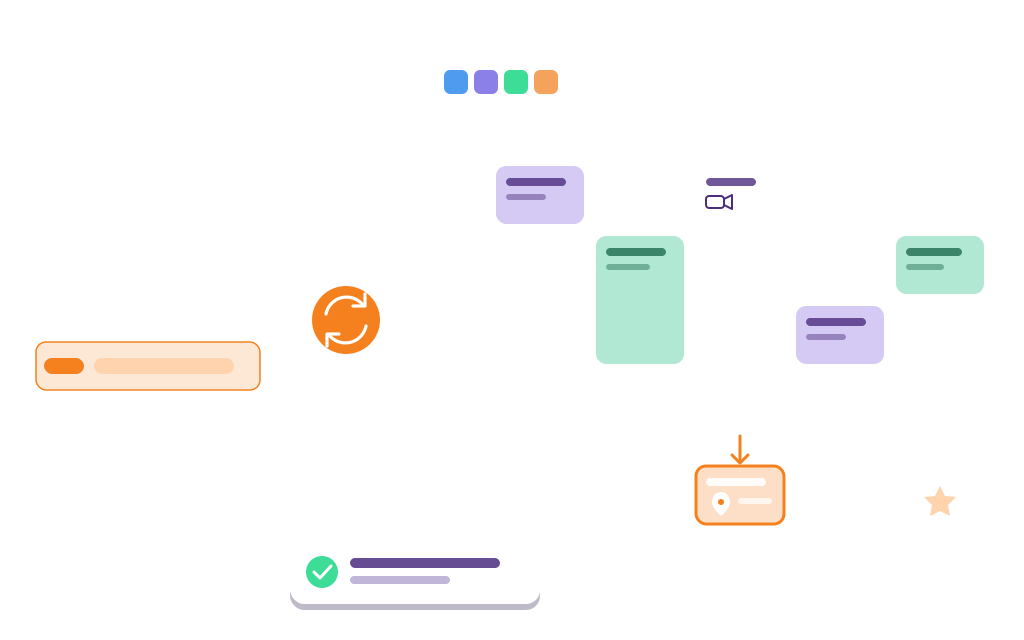
Calendo puts every class in students' and teachers' calendars. It reads schedules from your student information system and keeps every calendar up to date when something changes.
Class schedule sync
Calendo takes class schedules from your student information system and puts them, in real time, in the calendars your students and teachers already check.
Outlook, Microsoft Teams and Google Calendar, plus the Moodle and Blackboard calendars. Other apps can subscribe to an ICS feed.
When a room, a time or a cancellation changes in the SIS, every calendar updates on its own, in real time.
Each class shows its room and its format: in-person, hybrid or online.

Meeting information
Personalization

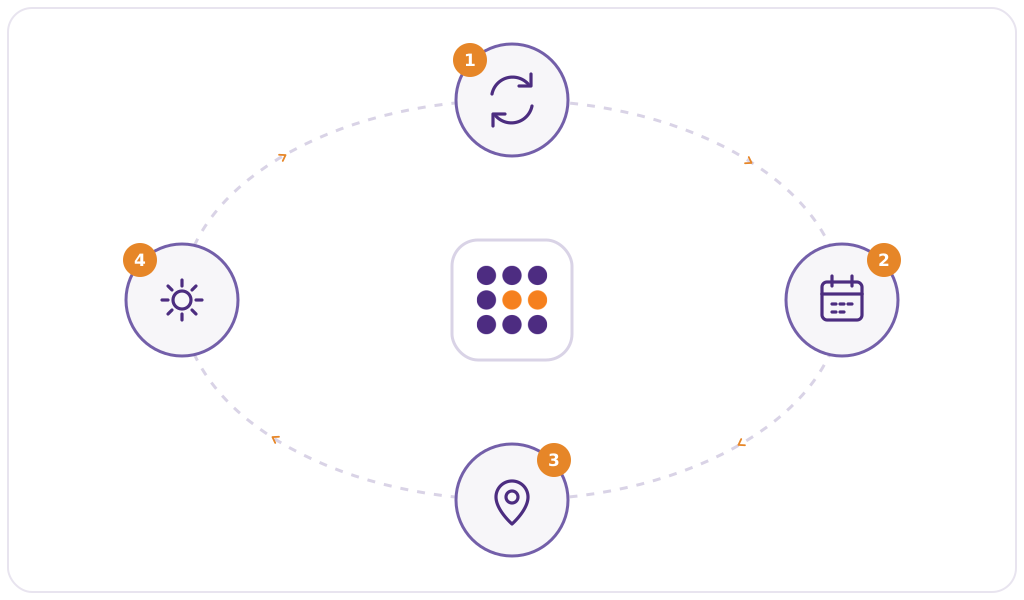
How it works
We do the integration work with your IT team. After that, every calendar stays up to date on its own.
We connect your student information system to Calendo, whether it is one of the major SIS and ERP platforms or a system built in-house.
Pick the calendars to fill, who sees what, and how colors and holidays appear.
Schedules stay current all term: room, time and cancellation changes update everywhere. Our team supports you at every step.
Who we are
Calendo is built by LS2 Innovation, a software publisher whose solutions are used by more than 50 colleges and universities. We have spent years connecting student information systems to Microsoft 365, Google Workspace and Moodle, from major platforms to systems built in-house, and we stay with your team from the first connection to every new term.
In a 30-minute demo, we show it live, set up for your SIS: a schedule arriving in Outlook, Teams and Google Calendar, a room change updating everywhere, and the settings for colors, holidays and who sees what. No slides.
Book a Demo